Never let a dull sky ruin a great photo.
The Sky Replacement Tutorial is professional photographer Nick Page’s video course on replacing skies in Lightroom and Photoshop so the result looks real. It comes with 20 raw sky files you can use.
Watch right away. 7 videos, about 57 minutes, plus 20 raw files. 30-day money-back guarantee.
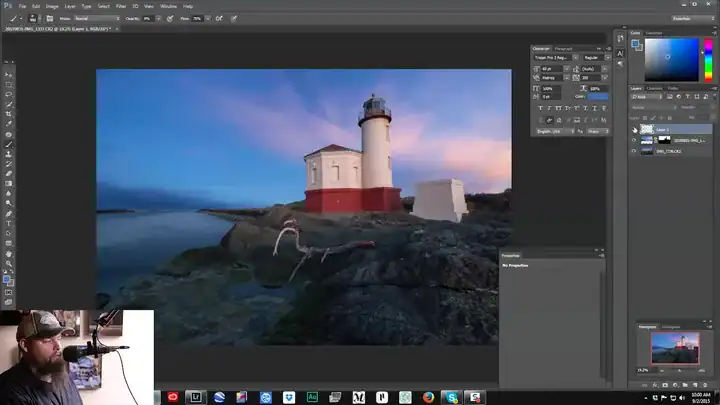
You can’t choose the sky on the day you’re there.
You travel to a place you’ve dreamed about, and the sky is flat and gray. Or you replace it, and it looks fake: bad edges, wrong light, a sky that doesn’t match the scene.
Nick shows how to get three things right:
- A clean selectionEven around trees and complex edges
- Matching lightSo the sky and the ground look like one photo
- Hard casesHigh-contrast scenes and night portraits
The 7 lessons
Lengths measured from the video files. Stream them on the course page or download them to keep.

Why replace skies?
Nick walks you through the whole sky replacement process.
Preparing your files
You can’t just drop a sky on a photo. Prepare the file first for the cleanest result.
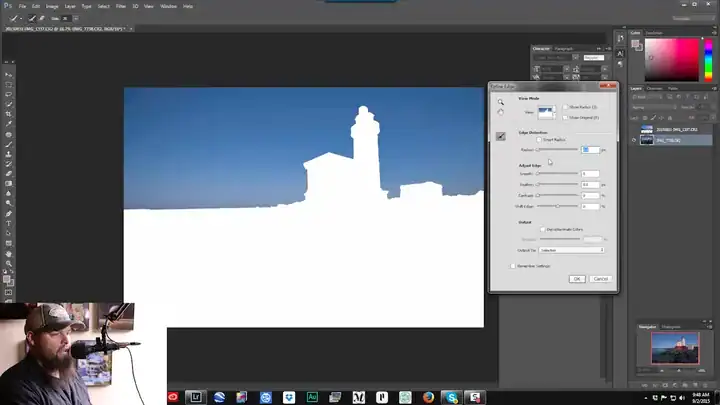
Making a good sky selection
The selection process, mostly with the Quick Selection tool.
Finishing touches
The most common mistake is skipping this step. Style the whole photo so the new sky looks real.
Complex selections and HDR scenes
Hard selections, and scenes where the ground is dark and the sky is bright, or the other way round.
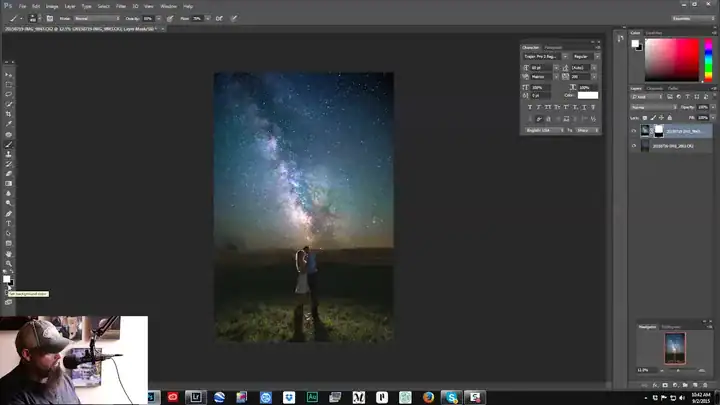
Epic night portraits
How Nick blended a Milky Way photo with an engagement portrait. Use the included night sky files to try it yourself.
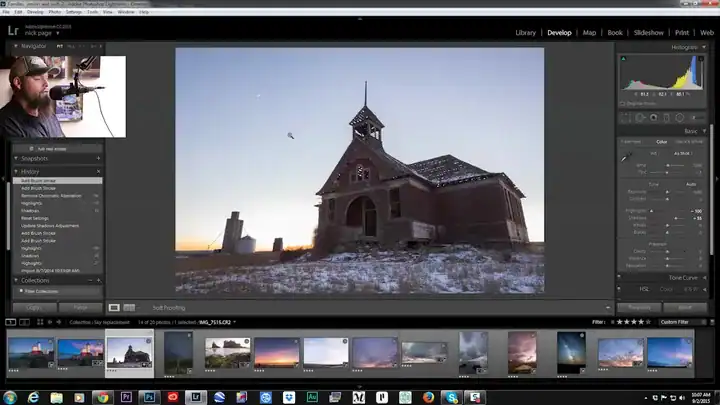
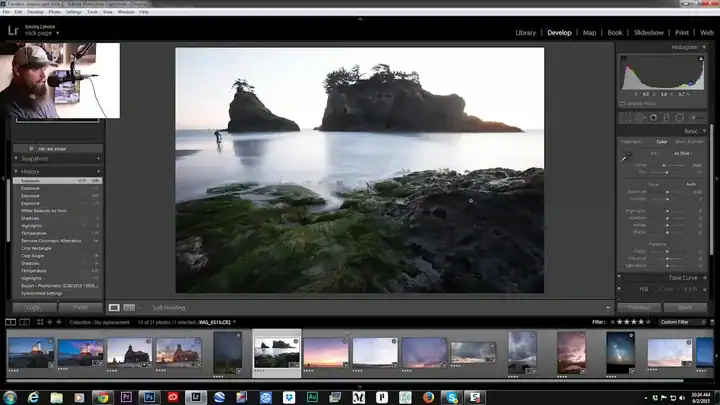
Plus 20 raw sky and background files from Nick’s and Jim’s libraries.
Everything you get for $15
The whole course and the raw files.
Sky Replacement Tutorial
7 videos · about 57 minutes · 20 raw files
7 video lessons
About 57 minPrepare, select, finish, complex selections, HDR and night portraits.
20 raw sky files
IncludedFrom Nick’s and Jim’s libraries, including Milky Way skies. Free to use in your own work, no credit needed.
Stream or download
Yours to keepWatch on the course page or download everything (about 1.4 GB).
$15
One-time payment. No subscription.
Get the tutorial for $15- Secure checkout by Stripe. Have a coupon? Enter it there.
- Right after you pay, you go straight to the course page. There’s no login.
- 30-day money-back guarantee. Questions? [email protected]

Taught by Nick Page
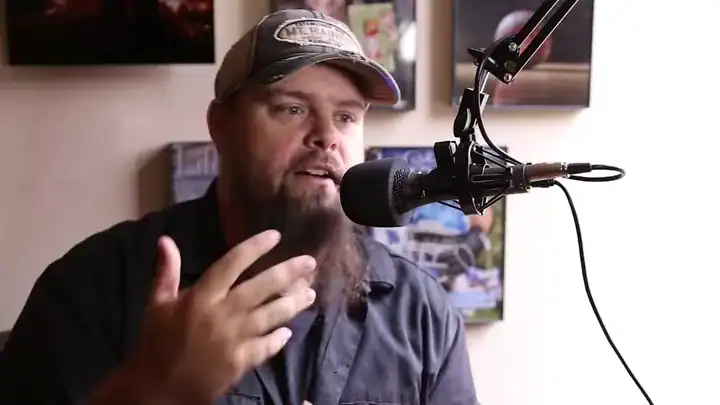
Nick Page is a professional landscape photographer from Dayton, Washington. He doesn’t shoot landscapes for popularity or money. He does it because he loves it: it’s his creative outlet.
In this course he shows the exact steps he uses to make a replaced sky look real.
30 days to decide. No questions asked.
Watch the lessons and try the raw files. If it isn't for you, email [email protected] within 30 days and we'll refund your $15.
Questions before you buy
What software do I need?
Lightroom and Photoshop.
Can I use the raw files in my own work?
Yes. They’re free to use, including commercially, and no credit is needed.
What formats are the raw files?
Canon (.cr2), Nikon (.nef), Fujifilm (.raf) and DNG. Lightroom and Photoshop open all of them.
How do I watch it?
Right after you pay, you go to the course page. Stream the videos there, or download them and the raw files to keep. That’s about 1.4 GB, so use Wi-Fi.
Is this a subscription?
No. It’s a one-time payment of $15. If you have a coupon code, enter it on the checkout page.
What if it’s not for me?
Email [email protected] within 30 days and we’ll refund your $15. No questions asked.
Give your best photos the sky they deserve.
About 57 minutes of lessons and 20 raw skies. Fix a photo from your last trip tonight.
Get the tutorial for $15One-time payment · watch right away · 30-day money-back guarantee
P.S. Every photo with a dull sky on your hard drive is a candidate. This course shows you how to rescue them. Get the Sky Replacement Tutorial.