Pro-looking flash photos with one cheap flash.
Lighting In A Flash is Jim Harmer’s flash photography video course. Learn the basics in the studio, then watch him light real portraits on location with a cheap flash and two light modifiers.
Watch right away. 4 videos, about 1 hour 48 minutes. 30-day money-back guarantee.
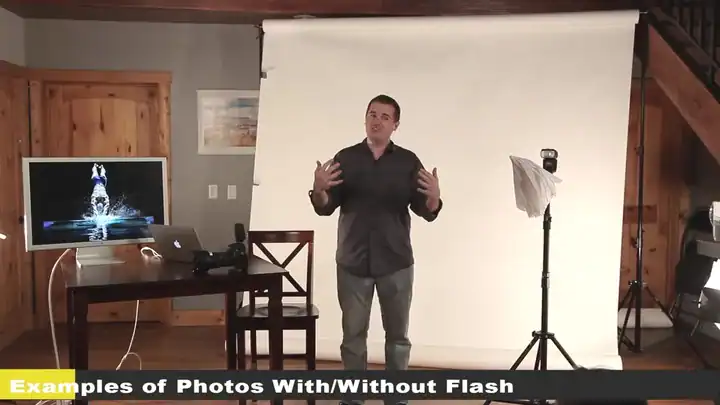
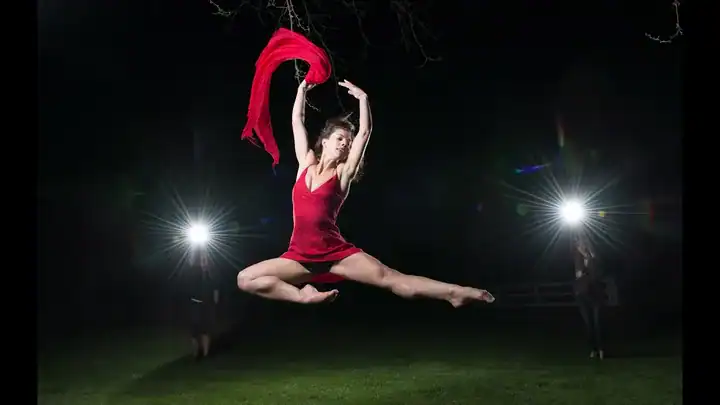
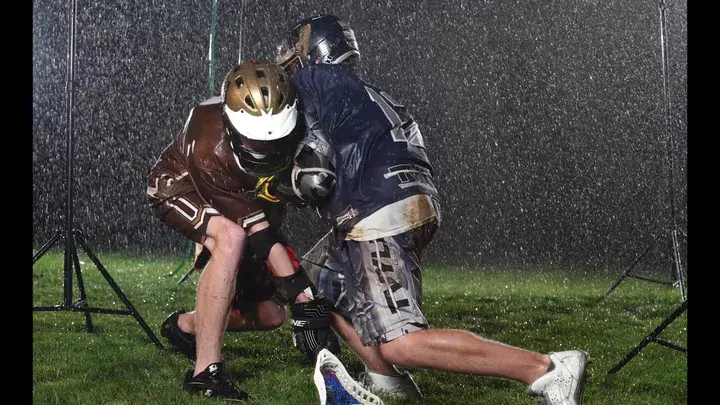
Most people put the flash away after one bad photo.
The first flash photo usually looks harsh: a bright face, a black background, a hard shadow on the wall. So the flash goes back in the bag, and you wait for perfect light that rarely comes.
Flash only looks bad when you can’t control it. Jim teaches you to control three things:
- Where the light comes fromOff the camera, at an angle, so faces have shape
- How soft it isUsing simple modifiers like an umbrella
- How bright it isSet by hand, so it’s right every time without a flash meter
What the course covers
Four videos, about 1 hour 48 minutes in all. Stream them on the course page or download them to keep.

Introduction to flash photography
All the foundations, even if you’ve never touched a speedlight.
- The three characteristics of light
- How to work with your flash sync speed
- Why paying extra for ETTL is usually a waste of money
- Getting the flash brightness right every time without a flash meter
- The default camera settings Jim uses for almost every flash photo
On-location shoots
Watch Jim create portraits without professional models: his wife, his kids, a dancer, a friend’s baby, and a neighbor kid.
The zone system
An often-skipped technique that lets you control the brightness of different parts of the frame.
Gear guide and wireless flash
What to buy and how to trigger a flash off the camera. Jim made the whole course with one cheap flash and two light modifiers.
Freeze motion with flash
Use the short burst of a flash to freeze fast action, like a football player mid-play.
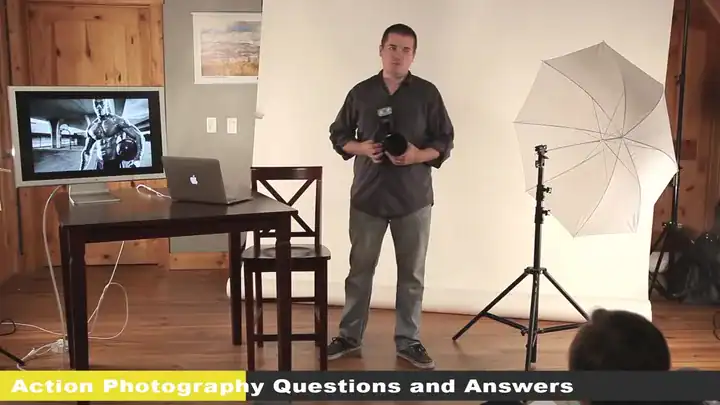
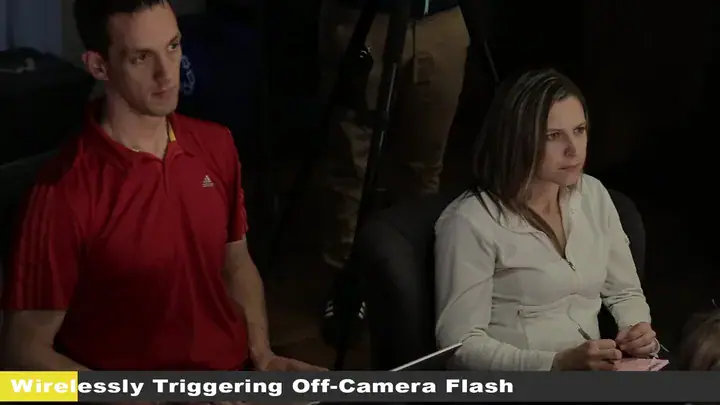
About 1 hour 48 minutes. Stream it, or download it to keep.
Everything you get for $49
The whole course, with nothing else to buy.
Lighting In A Flash
4 videos · about 1 hour 48 minutes · stream or download
Introduction to flash photography
IncludedLight, sync speed, flash power and default settings.
5 on-location portrait shoots
IncludedKids, a baby, a dancer, family and friends.
The zone system and flash placement
IncludedControl the brightness of every part of the frame.
Gear guide and freezing motion
IncludedWhat to buy, and how to freeze action with flash.
Stream or download
Yours to keepWatch on the course page or download the videos (about 3.4 GB).
$49
One-time payment. No subscription.
Get the course for $49- Secure checkout by Stripe. Have a coupon? Enter it there.
- Right after you pay, you go straight to the course page. There’s no login.
- 30-day money-back guarantee. Questions? [email protected]
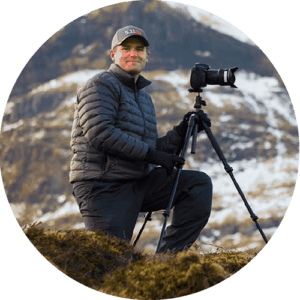
Taught by Jim Harmer
Jim Harmer founded Improve Photography, which has helped millions of photographers get better. He was once listed as one of the 10 most popular photographers in the world, and his landscape and portrait work has appeared in major publications.
He has taught thousands of photographers to use flash, so he knows where new flash users get stuck and walks you past each sticking point.
30 days to decide. No questions asked.
Watch the videos. If it isn't for you, email [email protected] within 30 days and we'll refund your $49.
Questions before you buy
What are all the lessons?
Making photos look professional, before and after flash photos, the 3 characteristics of light, the 4 functions of a flash, wirelessly triggering a flash, camera settings for flash, default camera settings, light shaping tools, flash placement, lighting groups, the zone system, freezing action with flash, two Q&A sessions, and on-location shoots with kids, a baby, a dancer and more.
Do I need expensive gear?
No. Jim made the course with one inexpensive flash and two light modifiers, and shows you how to buy good gear at a fair price.
I’ve never used a flash. Is this too advanced?
No. It starts from zero: what a flash does, how to set it, and which camera settings to use.
How do I watch it?
Right after you pay, you go to the course page. Stream the videos there, or download them to keep. The downloads are about 3.4 GB in all, so use Wi-Fi.
Does it work with my camera?
Yes. The ideas work with any camera that has a hot shoe or can trigger a flash, plus any flash with a manual power setting.
Is this a subscription?
No. It’s a one-time payment of $49. If you have a coupon code, enter it on the checkout page.
What if it’s not for me?
Email [email protected] within 30 days and we’ll refund your $49. No questions asked.
Stop waiting for good light. Make it.
About 1 hour 48 minutes of studio lessons and real on-location shoots. Take a better flash photo this week.
Get the course for $49One-time payment · watch right away · 30-day money-back guarantee
P.S. A flash you already own is the cheapest lighting upgrade there is. This course shows you how to use it. Get Lighting In A Flash.