Learn Lightroom from import to final edit.
Lightroom 101 is Jim Harmer’s 28 video lessons, about 4½ hours, that take you from importing your first photo to editing landscapes and portraits. Practice along with the same raw files.
Download right away. 28 lessons, practice files and 16 presets. 30-day money-back guarantee.
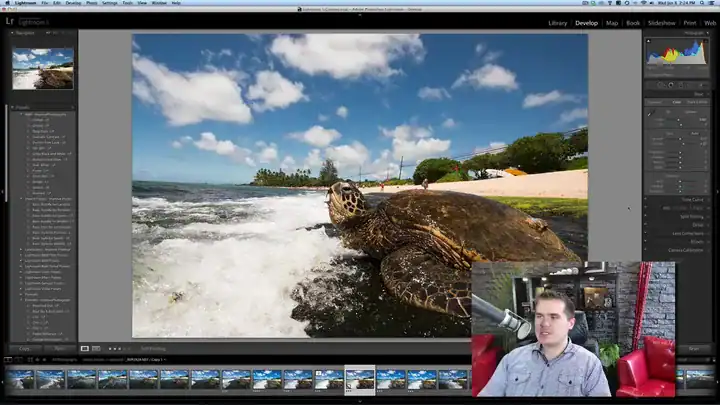
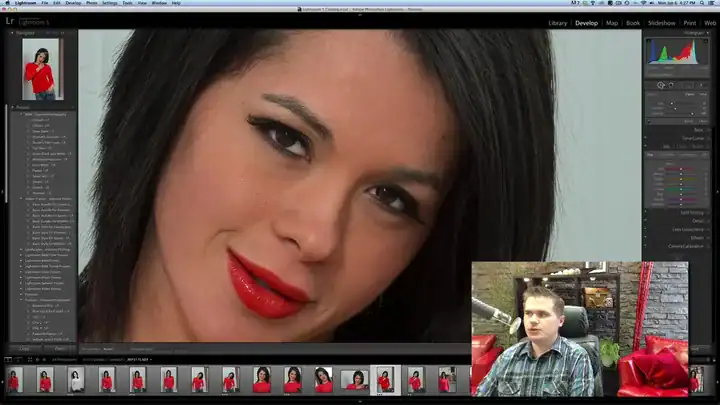
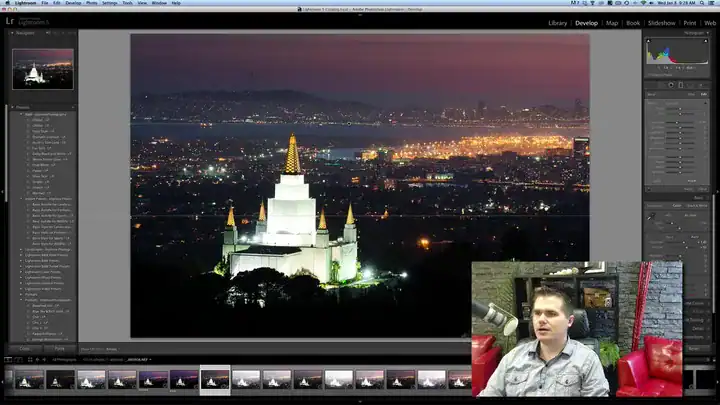
Lightroom has hundreds of sliders. You need about a dozen.
Most people open Lightroom, push sliders until the photo looks different, and hope it looks better. Then they can’t find last month’s photos.
This course gives you a clear order to work in, so every photo goes through three steps:
- Import and organizeSo you can find any photo later
- Edit with a planThe few tools that matter, in the right order
- Export for anywhereWeb, print and slideshows, set up once
The 28 lessons
Three video downloads plus a resources pack. Lesson lengths measured from the video files.

Getting set up and organized
Set Lightroom up properly once, then never lose a photo.
- Overview and workstation setup
- Import, and keeping your photos organized
- Basic workflow and saving time
- Shooting tethered
- Exporting
- The cardinal sins of Lightroom
Editing photos
The develop tools that do most of the work.
- Sharpening the right way
- The main develop sliders
- The adjustment brush
- Working with color, and lens and camera calibration
- Skies, sunsets and black and white
- Stylizing landscapes
- Two edit-along projects
Portraits, presets and sharing
Finish people photos and share your work.
- Skin smoothing and adding drama to eyes
- Stylizing portraits and a portrait retouch project
- Working with presets
- Web, slideshow and print modules
- What Lightroom can’t do
- A final project
Practice files and presets
Edit the same photos you see in the lessons, then speed up your own edits.
- 13 raw practice files used in the lessons
- 16 portrait presets with install instructions
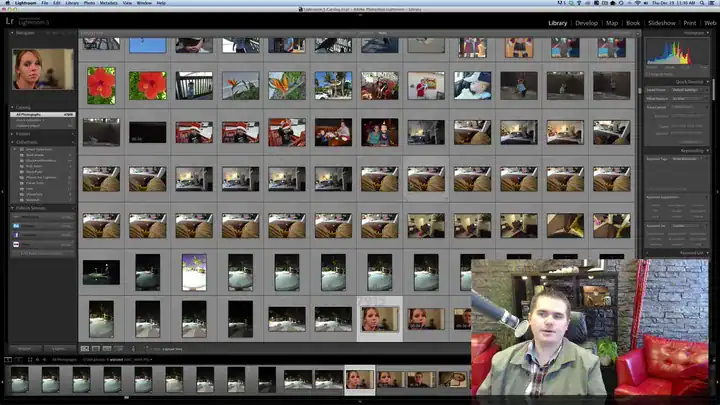
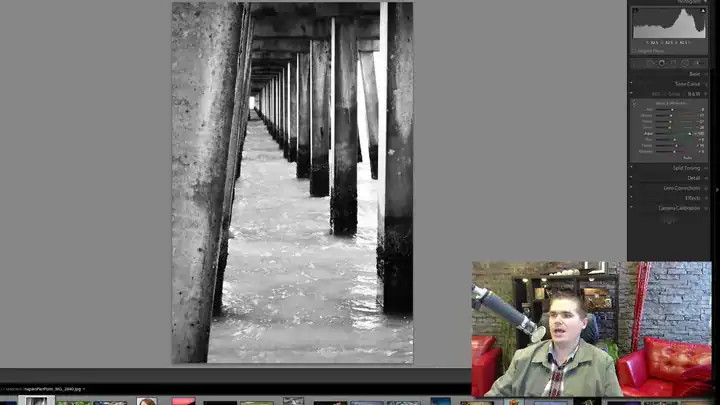
About 4½ hours in all. Download once, watch any time.
Everything you get for $49
The whole course and every practice file.
Lightroom 101
28 lessons · about 4½ hours · practice files · 16 presets
28 video lessons
About 4½ hoursSetup, organizing, editing, portraits, presets and sharing.
13 raw practice files
IncludedEdit along with the lessons on the same photos.
16 portrait presets
IncludedOne-click starting points for people photos, with install instructions.
Yours to keep
DownloadThree video downloads and a resources pack, about 3.4 GB in all.
$49
One-time payment. No subscription.
Get Lightroom 101 for $49- Secure checkout by Stripe. Have a coupon? Enter it there.
- Right after you pay, you go straight to the course page. There’s no login.
- 30-day money-back guarantee. Questions? [email protected]

Taught by Jim Harmer
Jim Harmer founded Improve Photography, which has helped millions of photographers get better. He was once listed as one of the 10 most popular photographers in the world, and his landscape and portrait work has appeared in major publications.
Lightroom 101 is the course for photographers who want a clear path through Lightroom instead of a pile of random tutorials.
30 days to decide. No questions asked.
Download the lessons and practice files. If it isn't for you, email [email protected] within 30 days and we'll refund your $49.
Questions before you buy
Which version of Lightroom do I need?
The course was recorded in Lightroom 5 in 2014. Today’s Lightroom Classic has the same modules and core tools, so everything still applies, but some panels have moved and newer tools, like AI masking, aren’t covered.
I’ve never used Lightroom. Is this for me?
Yes. It starts with setting up and importing, then builds up one tool at a time.
How do I watch it?
Right after you pay, you go to the course page. The lessons come as three .zip downloads (about 3.1 GB) and a resources pack (about 300 MB). Use Wi-Fi and a computer.
Do the presets work in my Lightroom?
They are classic .lrtemplate presets. Lightroom Classic imports them, and newer versions convert them for you on import.
Is this a subscription?
No. It’s a one-time payment of $49. If you have a coupon code, enter it on the checkout page.
What if it’s not for me?
Email [email protected] within 30 days and we’ll refund your $49. No questions asked.
Edit your next photo with a plan.
28 lessons, about 4½ hours, with the same raw files to practice on. Start tonight.
Get Lightroom 101 for $49One-time payment · instant download · 30-day money-back guarantee
P.S. You already own Lightroom. For $49 you can finally use the part of it that matters. Get Lightroom 101.